The mysterious triangle on your Samsung screen: what this indicator means
Samsung Galaxy users often notice a triangle icon in the status bar, which indicates that the Data Saver mode is active.
 💡Tech
Photo: UNIAN
Key points
- The triangle indicates that Data Saver mode is on.
- The mode restricts background data usage and notifications.
- You can add specific apps to an exception list in settings.
Samsung Galaxy smartphone owners sometimes notice an unusual symbol in the top status bar: a triangle with small arrows. While this icon may look like a warning sign and cause concern, it is actually a standard system indicator rather than a sign of a device malfunction.
What the icon indicates
The appearance of the triangle signals that the "Data Saver" mode is active. In Samsung’s One UI, this symbol replaces the standard Android indicator to show that the device is restricting background mobile data usage to help save on data plans.
When this mode is enabled, apps are prevented from accessing the internet in the background. Consequently, notifications from social media, email, and messaging apps may be delayed or not appear at all until the user opens the application. Furthermore, background data synchronization is paused.
How to restore notifications
If you find that your notifications are not arriving on time, you should check your connection settings and disable the Data Saver mode. If you still wish to conserve mobile data while ensuring you receive important alerts, you can configure exceptions in the settings menu. By selecting specific apps to always have data access, you can keep your essential messaging services active even while the data saving feature is turned on.
Source UNIAN — unian.ua/techno/software/trikutnik-u-ryadku-stanu-samsung-shcho-ozn… ↗
Read next
 🩺Health
Condition of the Family of 7-Year-Old Tikhon Bondar Killed in Kryvyi Rih: Latest Updates
Following the missile strike on downtown Kryvyi Rih on November 20, doctors continue fighting for the lives of the Bondar family members.
 🛡️Security
Death Toll Rises Following Enemy Attack on Kyiv Region: Rescue Operations Continue
The number of fatalities from a Russian strike on an apartment building in Dymer, Kyiv region, has risen to three. Search and rescue operations are hampered by ongoing ai…
 🛡️Security
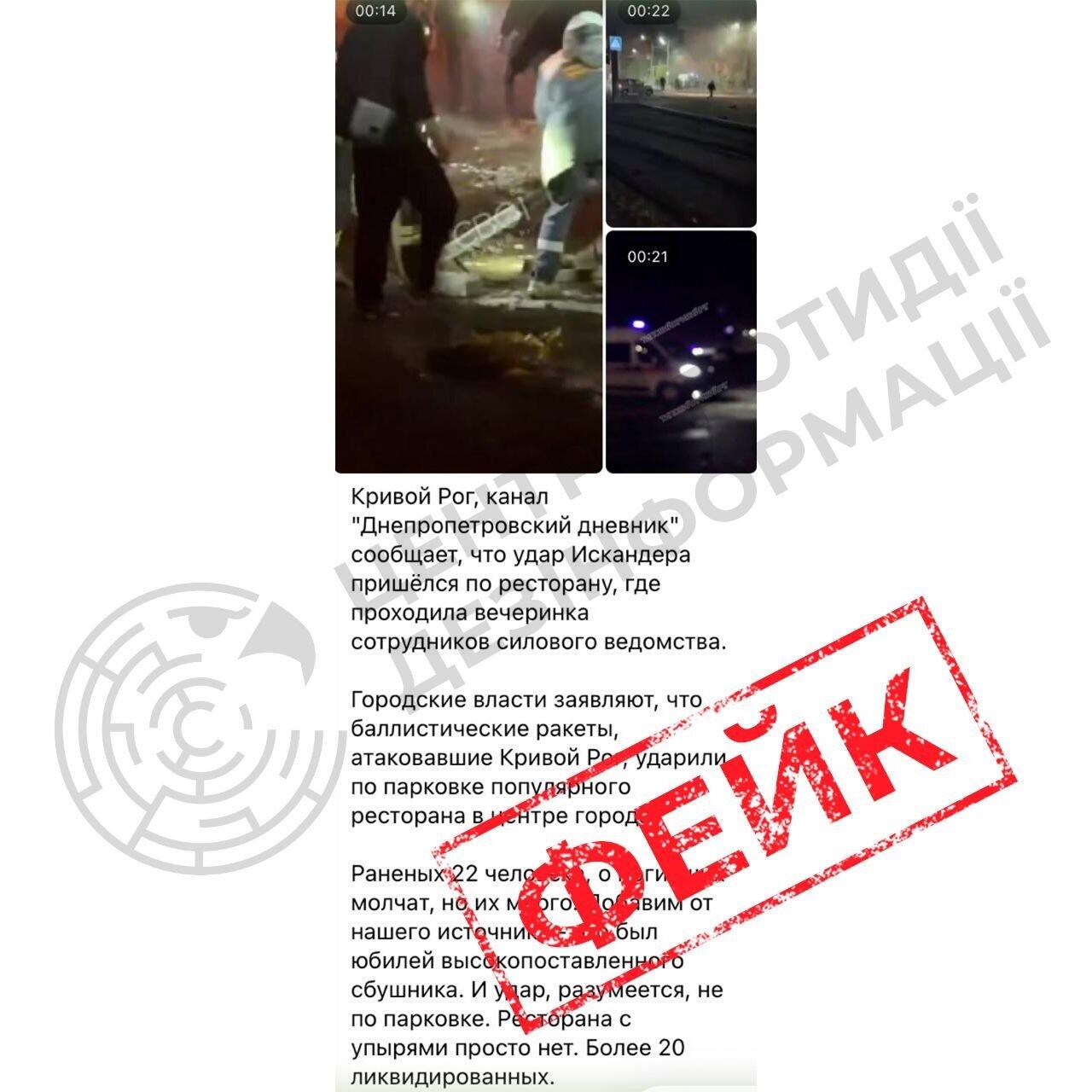
Russian propaganda spreads fakes about the missile strike on Kryvyi Rih
The Center for Countering Disinformation has debunked Russian fabrications about alleged 'military targets' during the recent shelling of Kryvyi Rih, which resulted in ci…
 🛡️Security
Sweden Develops New K200 Interceptor Drone to Counter Jet-Powered UAVs
Swedish startup Nordic Air Defence has introduced the K200 interceptor drone, developed with Ukrainian partners to combat high-speed jet UAVs.
 👥Society
Prominent jazz conductor and educator Volodymyr Markhovskyi passes away in Dnipro
Renowned jazz musician, conductor, and teacher Volodymyr Markhovskyi has died at the age of 90, leaving behind a rich legacy in the region's cultural scene.
 👥Society
Far-right party in Germany calls for deporting millions, including Ukrainians
The co-leader of the Alternative for Germany party has urged the deportation of millions of people, including Ukrainian citizens, once protection grounds cease to exist.