How to free up space on your smartphone: practical tips without data loss
Learn how to effectively clear your mobile device's storage without deleting important photos and documents.
 💡Tech
Photo: krivbass
Key points
- Analyzing storage usage via system settings
- Backing up data before deleting files
- Removing duplicates and clearing application cache
Smartphone storage optimization
A low storage notification on your smartphone often causes users to panic and delete everything in sight. However, before getting rid of photos or videos, it is worth analyzing what is taking up the most space. To do this, Android users should go to the 'Storage' section in settings, while iPhone users should check 'iPhone Storage' in the general settings.
Safe cleaning and backup
The first step should be creating a backup. Use cloud services such as Google Photos or iCloud, or transfer files to a computer or external drive. It is important to remember that cloud synchronization is not always a backup: deleting a file on one device can lead to its disappearance everywhere.
- Clearing the 'Downloads' folder: Check files that have accumulated from your browser or messengers.
- Removing duplicates: Modern operating systems have built-in tools for finding duplicate photos.
- Working with videos: 4K videos take up the most space, so they should be moved to external storage.
- Clearing cache: Temporary application files clutter the system over time and can be safely deleted in app settings.
Source krivbass — krivbass.city/news/view/yak-zvilniti-pamyat-smartfona-bez-vidalennya-va… ↗
Read next
 🩺Health
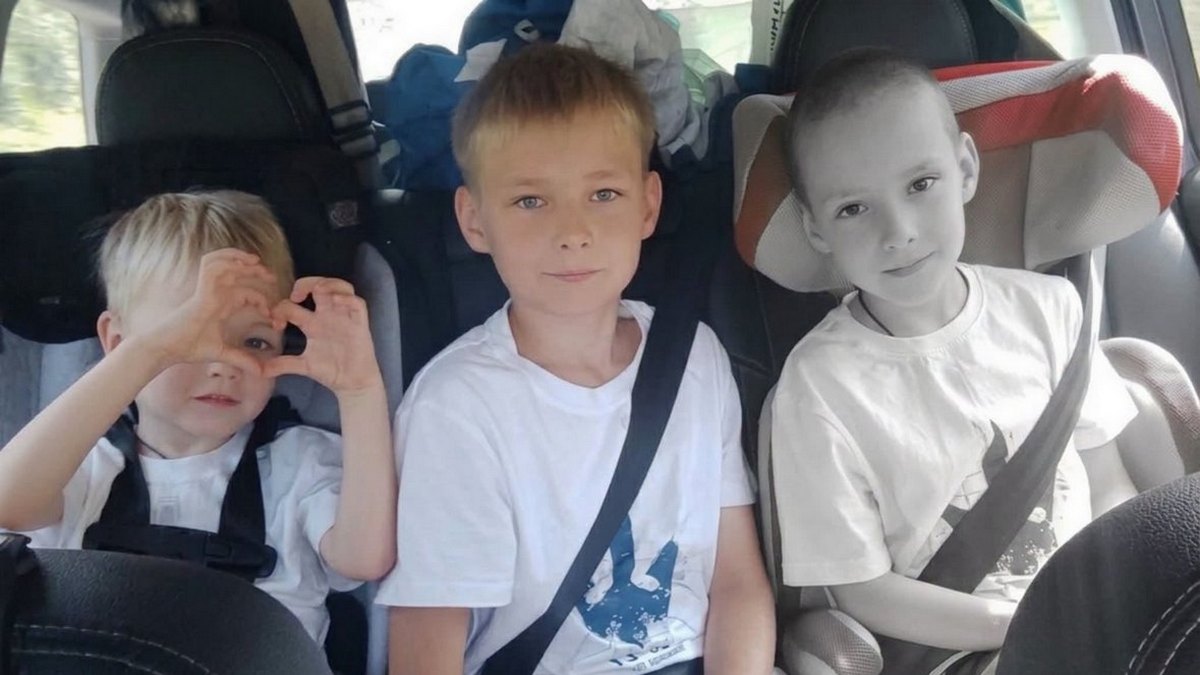
Condition of the Family of 7-Year-Old Tikhon Bondar Killed in Kryvyi Rih: Latest Updates
Following the missile strike on downtown Kryvyi Rih on November 20, doctors continue fighting for the lives of the Bondar family members.
 🛡️Security
Death Toll Rises Following Enemy Attack on Kyiv Region: Rescue Operations Continue
The number of fatalities from a Russian strike on an apartment building in Dymer, Kyiv region, has risen to three. Search and rescue operations are hampered by ongoing ai…
 🛡️Security
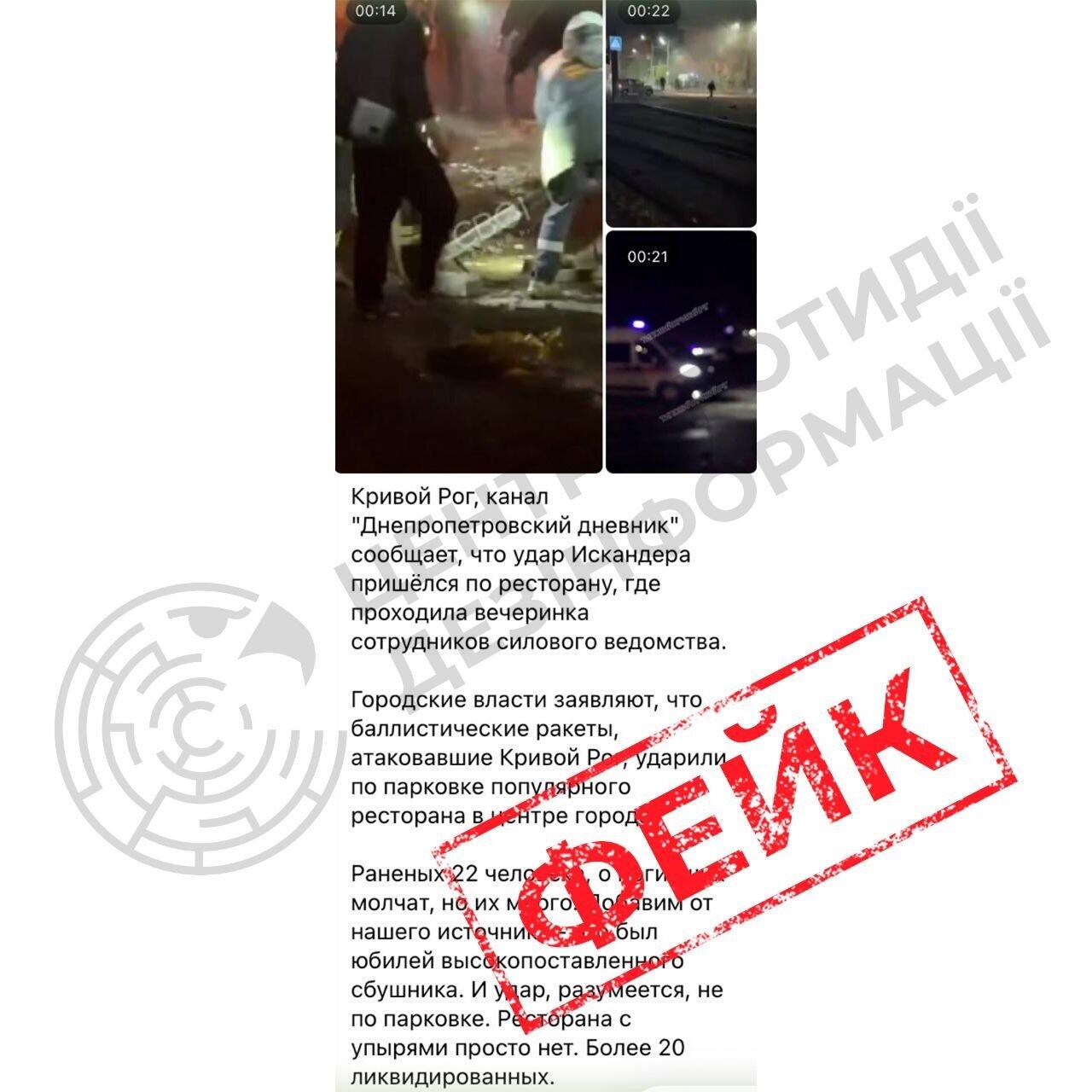
Russian propaganda spreads fakes about the missile strike on Kryvyi Rih
The Center for Countering Disinformation has debunked Russian fabrications about alleged 'military targets' during the recent shelling of Kryvyi Rih, which resulted in ci…
 🛡️Security
Sweden Develops New K200 Interceptor Drone to Counter Jet-Powered UAVs
Swedish startup Nordic Air Defence has introduced the K200 interceptor drone, developed with Ukrainian partners to combat high-speed jet UAVs.
 👥Society
Prominent jazz conductor and educator Volodymyr Markhovskyi passes away in Dnipro
Renowned jazz musician, conductor, and teacher Volodymyr Markhovskyi has died at the age of 90, leaving behind a rich legacy in the region's cultural scene.
 👥Society
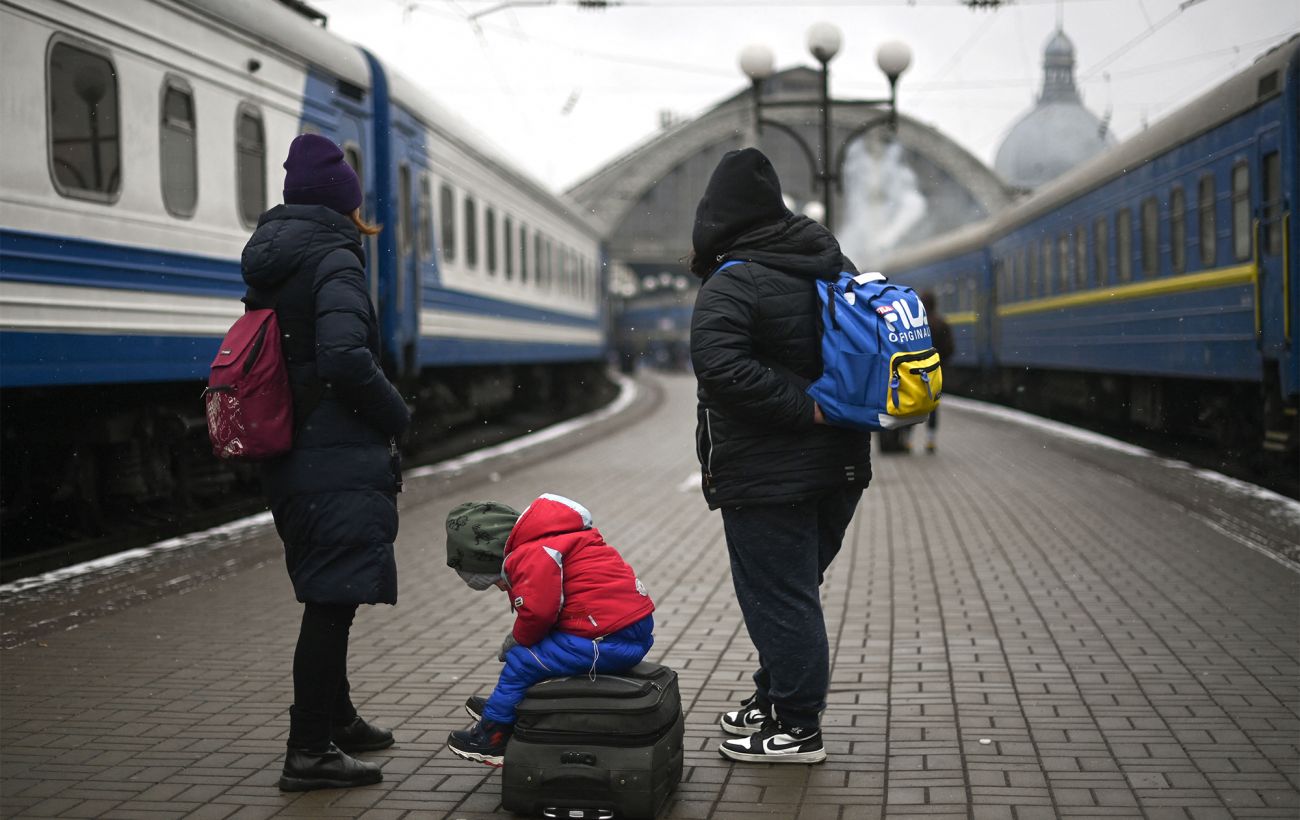
Far-right party in Germany calls for deporting millions, including Ukrainians
The co-leader of the Alternative for Germany party has urged the deportation of millions of people, including Ukrainian citizens, once protection grounds cease to exist.